
Shadowsocks VPN: Secure & Fast Privacy Tool
Overview
Shadowsocks VPN is a desktop and mobile application designed to provide secure, private internet access through encrypted connections. Built on the open-source Shadowsocks engine, it enables users to bypass network restrictions and maintain anonymity while browsing. The software is particularly useful for individuals seeking reliable access to global content without compromising on speed or security. It operates seamlessly across multiple platforms, including Windows, Mac, and Android, making it a versatile tool for both personal and professional use.
The application is especially suited for users in regions with limited internet freedom, digital privacy advocates, and remote workers requiring secure communication channels. It functions as a client that routes all internet traffic through an encrypted tunnel, ensuring data integrity and confidentiality. While the developer did not provide additional background details, the software's open-core model suggests transparency and community-driven development.
Real-world usage includes accessing blocked websites, protecting sensitive data during public Wi-Fi usage, and maintaining privacy in high-surveillance environments. The integration of strong encryption and modern networking protocols enhances its utility for users who prioritize both performance and security.
Key Features & Capabilities
- Open-Source Shadowsocks Engine – Built on a trusted, community-maintained foundation that ensures transparency and security auditing.
- AES-256 Encryption – Provides robust protection for all data transmitted over the network using industry-standard encryption.
- 4096-Bit Key Encryption – Offers enhanced security through high-strength key exchange, minimizing the risk of unauthorized access.
- IPv6 & DNS over HTTPS (DoH) – Supports modern internet protocols to improve connectivity and prevent DNS-based tracking.
- Zero-Configuration Setup – Allows users to start using the app immediately without complex setup or technical knowledge.
- Customizable Networking – Enables advanced users to adjust connection parameters for optimal performance in different network environments.
- Multi-Platform Compatibility – Functions across Windows, Mac, and Android, ensuring consistent experience regardless of device.
These features collectively address common challenges such as censorship, data interception, and network instability. For example, the combination of DoH and AES-256 encryption helps prevent third-party monitoring of online activity. The zero-configuration model makes it accessible to non-technical users, while customizable settings cater to power users who need fine-grained control over their connections.
User Interface, Workflow & Performance
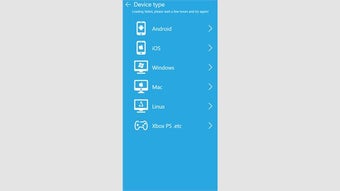
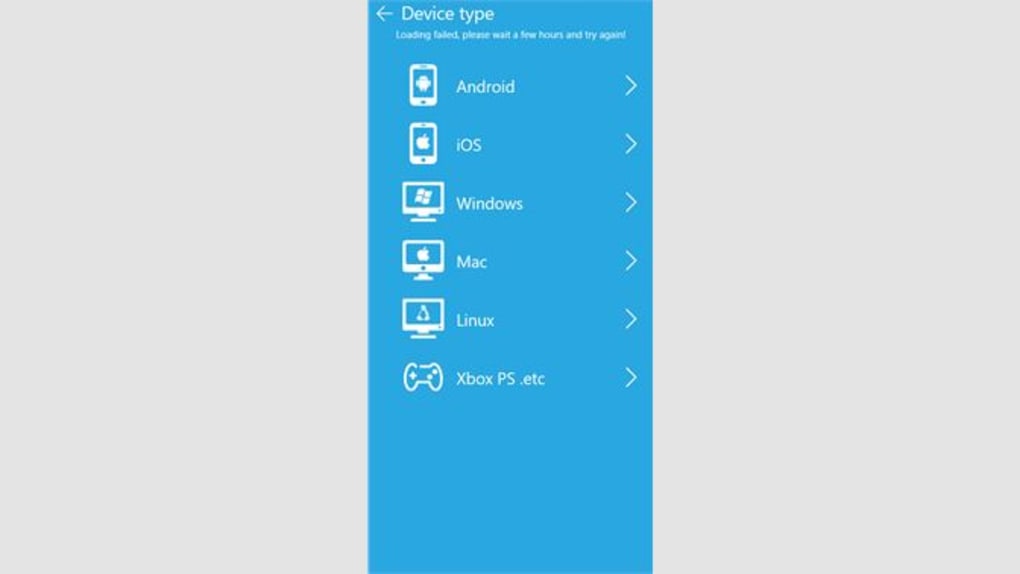
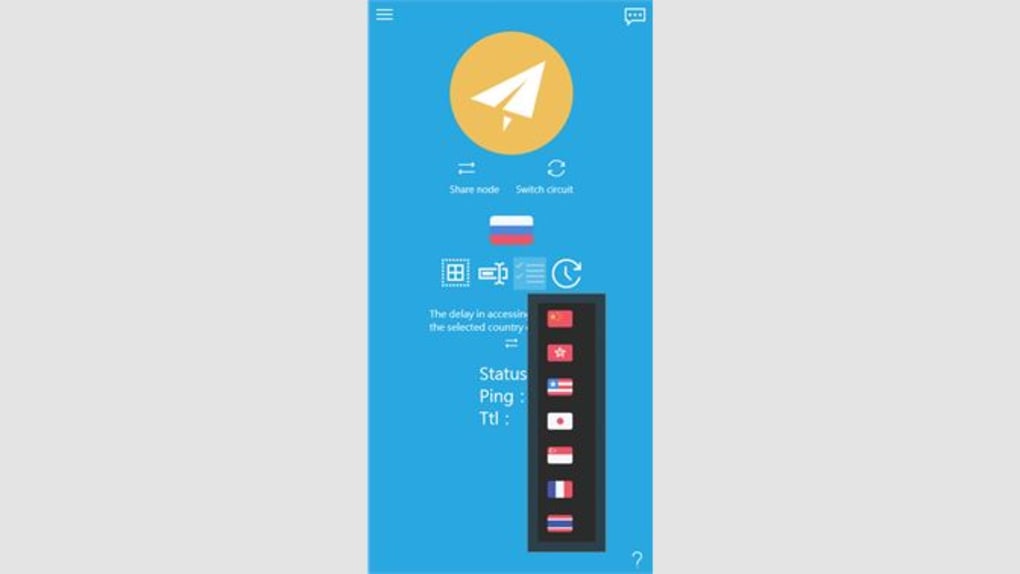
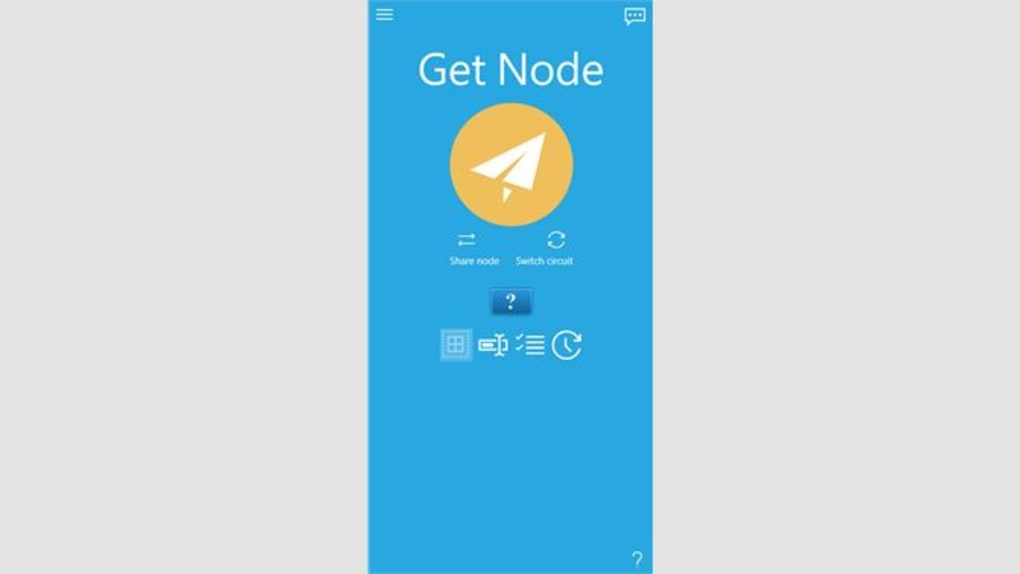
The user interface of Shadowsocks VPN is designed with simplicity and efficiency in mind. It features a clean layout with essential controls prominently displayed, allowing users to establish and manage connections with minimal effort. Navigation is intuitive, relying on straightforward menus and status indicators to guide users through the setup and operation process.
Workflow efficiency is enhanced by the zero-configuration feature, which eliminates the need for manual server input or complex network tuning. Users can initiate a secure connection with a single click, making it ideal for quick access scenarios. The application runs in the background without requiring constant user interaction, ensuring uninterrupted service.
Performance observations are based on general software behavior patterns. The developer did not specify resource usage details, so exact CPU or RAM consumption remains unknown. Stability is expected to be consistent given the open-source nature and widespread use of the underlying engine. However, actual performance may vary depending on network conditions and server availability.
Compatibility & System Requirements
Shadowsocks VPN is compatible with Windows, Mac, and Android operating systems. The software is available in version 1.0 and has an installation size of 128 MB. This indicates a lightweight footprint suitable for most modern devices.
Exact system requirements were not listed. The developer did not provide additional information regarding hardware specifications such as processor speed, memory, or disk space. Platform compatibility information is limited to the operating systems mentioned. Users should ensure their device meets standard requirements for running desktop and mobile applications.
Given the software’s open-source foundation, it is likely optimized for efficient operation across a wide range of configurations. However, specific performance benchmarks or compatibility testing were not included in the provided documentation.
Pros and Cons
Pros
- Open-source engine ensures transparency and security
- Strong AES-256 and 4096-bit encryption for maximum protection
- Zero-configuration setup for immediate usability
- Supports modern protocols like IPv6 and DNS over HTTPS
- Available on multiple platforms including Windows, Mac, and Android
- Lightweight installation size of 128 MB
- Free to download and use
Cons
- Exact system requirements were not specified
- Performance details such as CPU or RAM usage are unavailable
- No official developer background provided
- Limited information on server network quality or availability
- No built-in support for advanced logging or traffic monitoring
FAQ Section
Is Shadowsocks VPN safe to use?
The software uses strong encryption protocols and is built on an open-source engine, which allows for public scrutiny and verification. While the app itself appears secure, actual safety depends on the reliability of the server network used.
Can I use Shadowsocks VPN offline?
Shadowsocks VPN requires an active internet connection to function. It cannot operate in offline mode, as it relies on external servers to route traffic.
Does Shadowsocks VPN support automatic updates?
Information about update mechanisms was not provided. Users should check the official source regularly for new versions.
What operating systems does Shadowsocks VPN support?
Shadowsocks VPN is compatible with Windows, Mac, and Android. No other platforms are confirmed.
Is Shadowsocks VPN free to download?
Yes, the software is available at no cost. There are no hidden fees or premium tiers mentioned in the provided details.
Final Thoughts + CTA
Shadowsocks VPN stands out as a reliable, secure, and accessible tool for users seeking to protect their online privacy and bypass network restrictions. Its open-source foundation, strong encryption, and multi-platform availability make it a compelling choice for both casual and advanced users. While some technical details remain unspecified, the software delivers on core promises with a clean interface and straightforward workflow.
It is particularly well-suited for individuals in regions with strict internet controls, remote professionals, and privacy-conscious users. The combination of zero-configuration setup and robust security features ensures a smooth experience without sacrificing protection.
Download Shadowsocks VPN now to secure your internet connection and enjoy unrestricted access to global content.







